# PX4 Setup
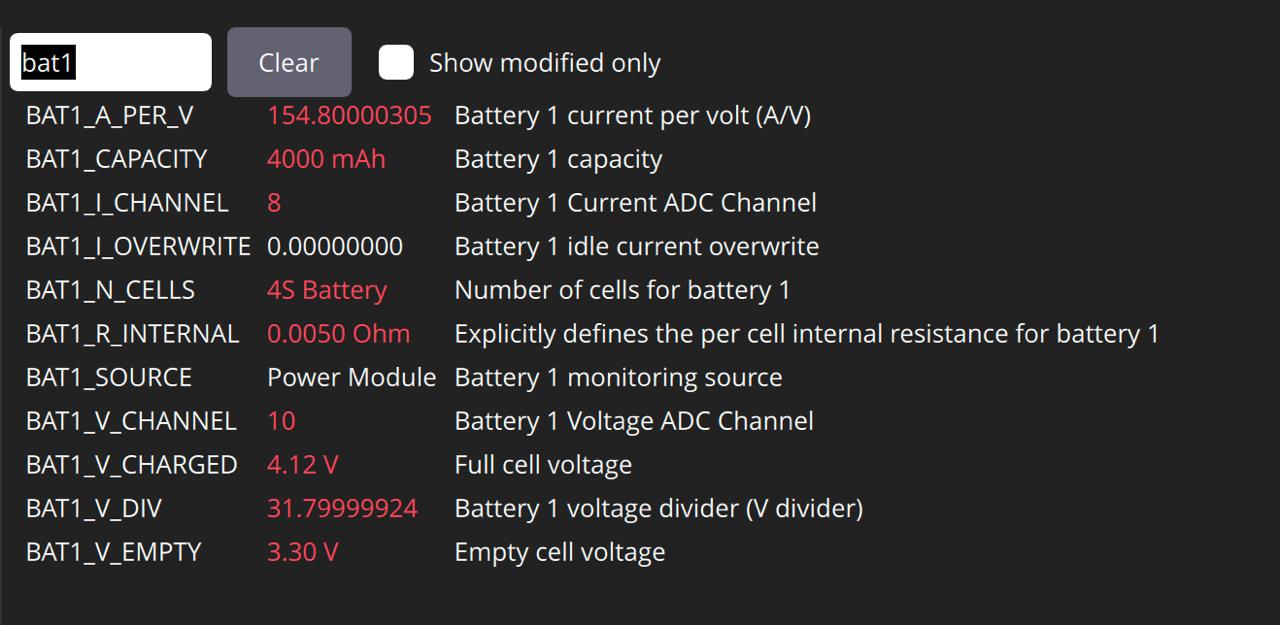
Set the following parameters:
* [`BAT1_I_CHANNEL`](https://docs.px4.io/v1.16/en/advanced_config/parameter_reference#BAT1_I_CHANNEL) `8`
* [`BAT1_V_CHANNEL`](https://docs.px4.io/v1.16/en/advanced_config/parameter_reference#BAT1_V_CHANNEL) `10`
* [`BAT1_V_DIV`](https://docs.px4.io/main/en/advanced_config/parameter_reference#BAT1_V_DIV) and [`BAT1_A_PER_V`](https://docs.px4.io/main/en/advanced_config/parameter_reference#BAT1_A_PER_V) to appropriate values as provided by the APM vendor.
* [`BAT1_I_CAPACITY`](https://docs.px4.io/main/en/advanced_config/parameter_reference#BAT1_I_CAPACITY) and [`BAT1_N_CELLS`](https://docs.px4.io/main/en/advanced_config/parameter_reference#BAT1_N_CELLS) to the appropriate values depending on the battery you are using.
Example parameters on QGroundControl with PX4
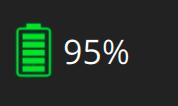
The GC application should now show you battery information.